
Four clouds, one player
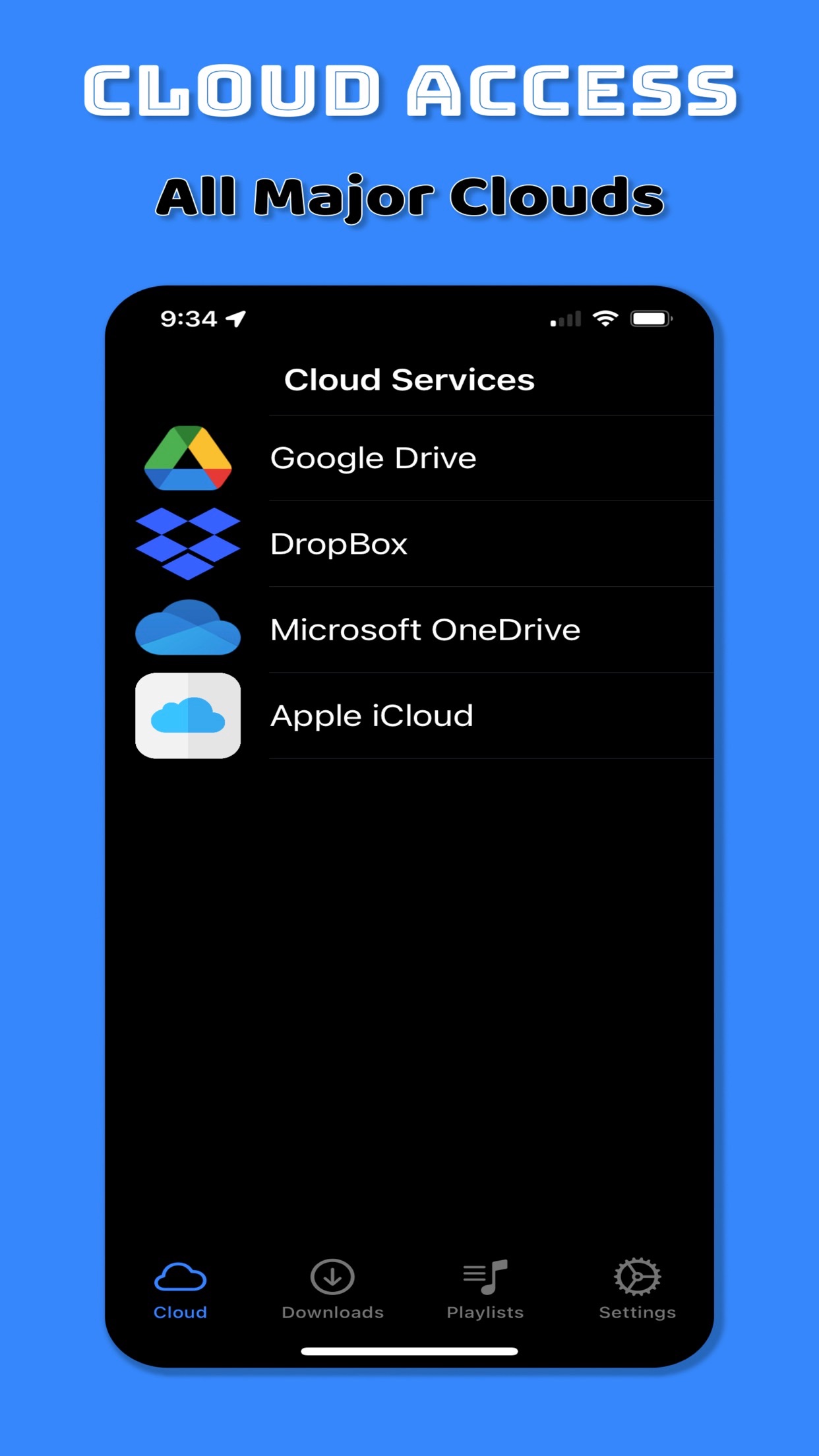
Connect Google Drive, Dropbox, OneDrive, and iCloud to browse and download media files with a few taps.

App Store · Music
Cloud Music & Video Player
Download music and video from your cloud — then play, organize, and take it with you.
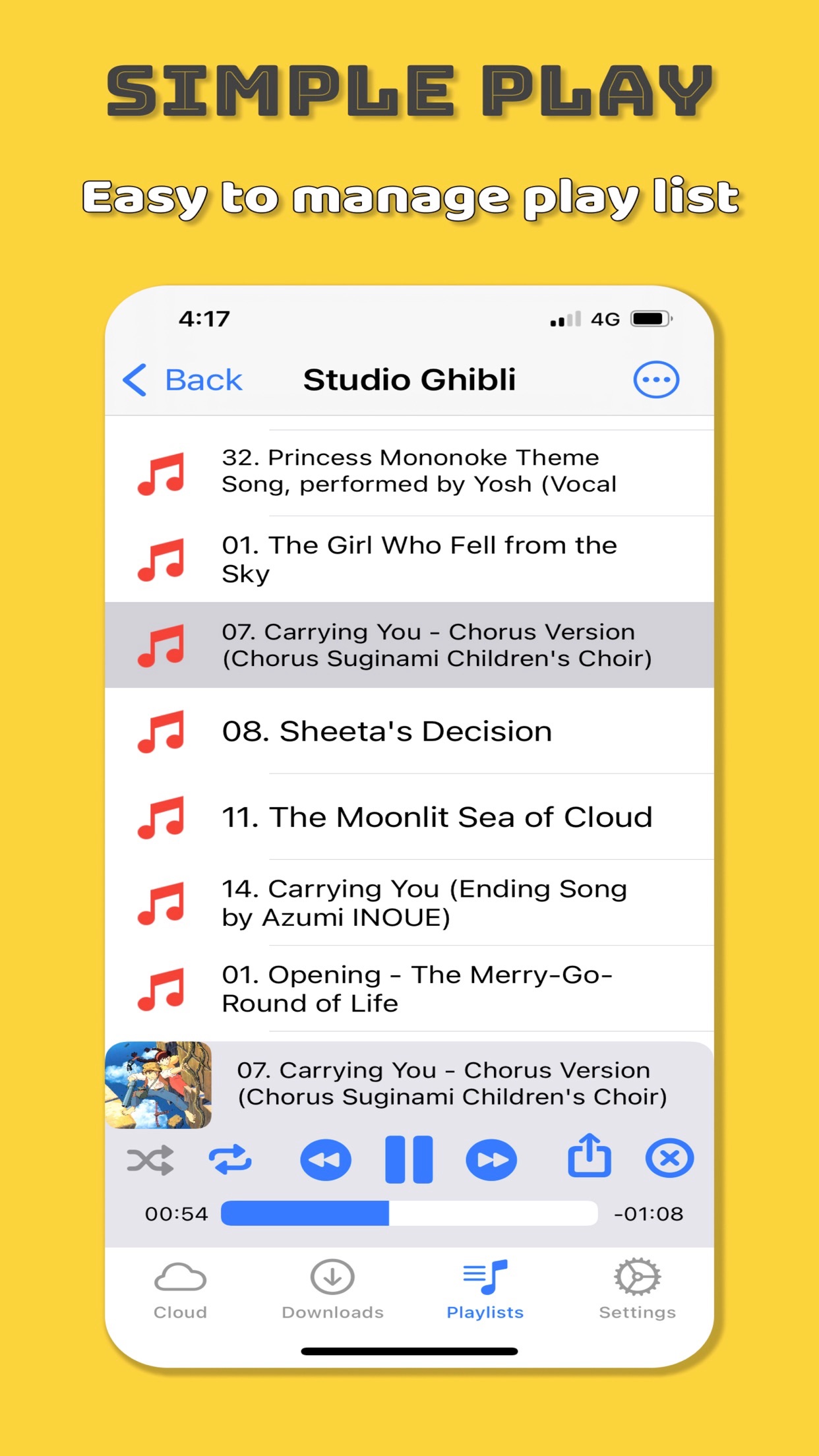
Cloud Player helps you pull music and video from major cloud services onto your iPhone, then organize playlists and play them anytime — including in the car with CarPlay.
Connect Google Drive, Dropbox, OneDrive, and iCloud to browse and download media files with a few taps.
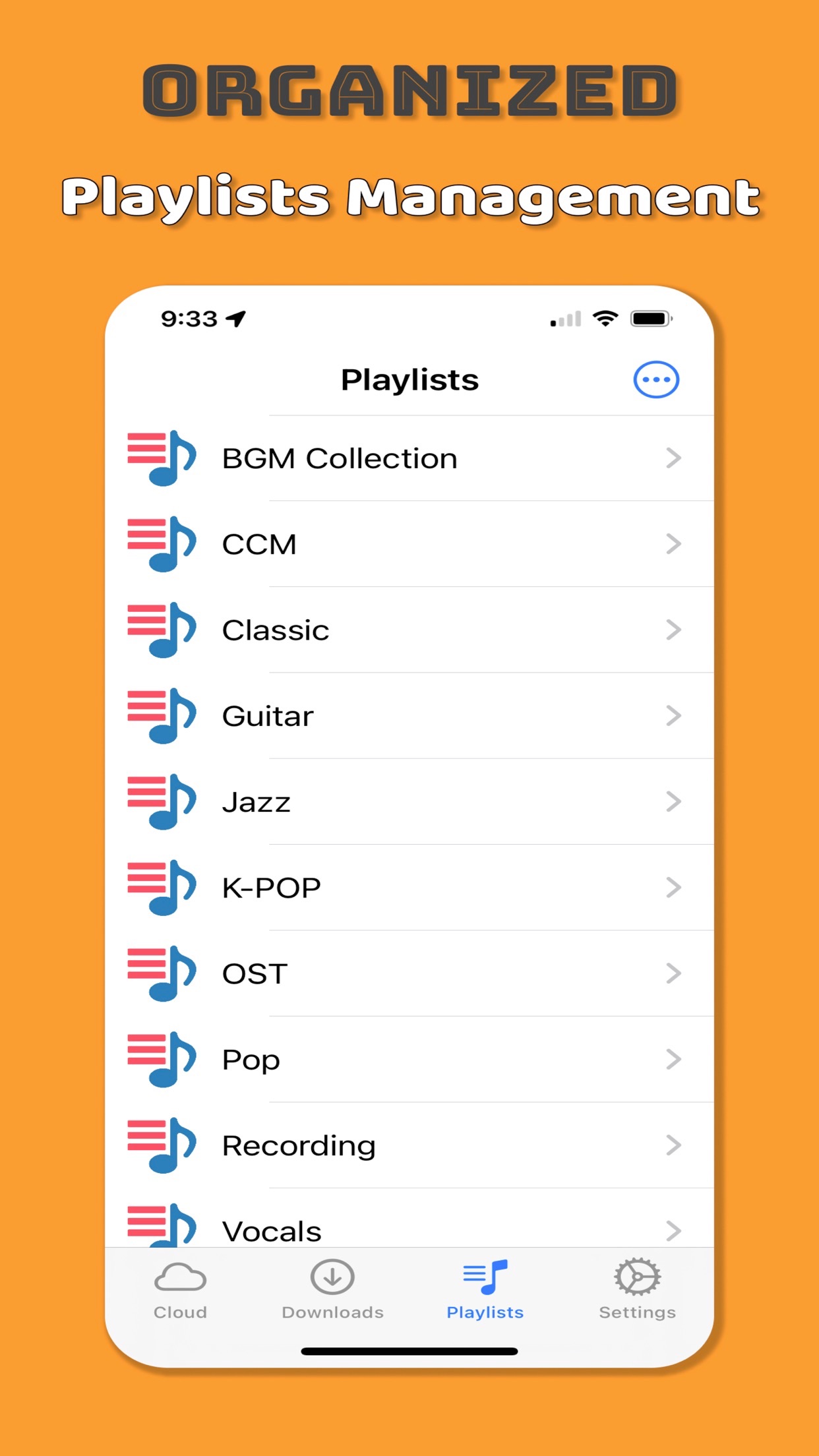
Add downloads to playlists immediately, rename with a swipe, reorder by drag, and remove what you do not need.
CarPlay support, skip or ±10 second seek modes, tempo and pitch control, automatic album art, and share-extension downloads from other apps.
Cloud download
Browse cloud folders, download the tracks and videos you want, and start listening without routing everything through a desktop sync ritual.
Library & playlists
Long-press and drag to change play order. Swipe right to add to a playlist, create a playlist, or rename. Swipe left to delete.
Listening extras
Use CarPlay for simple controls while driving. Choose whether forward/back switches tracks or jumps 10 seconds. Adjust tempo and pitch, and show album art automatically while playing.
Sign in to Google Drive, Dropbox, OneDrive, or use iCloud.
Pick music or video files and save them to your library or a playlist.
Listen on iPhone, organize with gestures, or continue in the car with CarPlay.
iPhone and iPad media player by woojooin. Built for cloud downloads, playlists, CarPlay, and everyday listening — without the desktop detour.
I am the author and developer of Cloud Player. I design, ship, and maintain the product end to end — cloud integrations, playback, playlists, CarPlay, localization, and App Store releases.
Built with Swift for iPhone and iPad, integrating Google Drive, Dropbox, OneDrive, and iCloud.